


Expense management tools help businesses, small or large, and individual entrepreneurs keep track of business expenses, both to reimburse employees and to make sure all business expenses are valid and accounted for.
Expense reporting is universally loathed by employees. A study by Banyan, a receipt management software company, found that more than one-third of business travellers would rather have their teeth drilled at the dentist than fill out an expense report.
Fortunately, technology is making the process easier. The best expense management tools in the UK enable employees to receive reimbursements quickly while accurately tracking and recording expenses for accounting purposes. We have compared and reviewed 11 of the best choices.
Comparison of the best expense tracker apps
Here’s a quick overview of the features of the top expense management tools available in the UK. Find out what each expense tracker app is known for:
- QuickBooks: The family of apps is great for small and medium-sized businesses due to their simplicity and relatively low cost. Companies can track everything from payroll to inventory, to accounting, and billable hours.
- Airwallex: This platform simplifies international transactions, payments, and expense management while keeping costs low. It offers corporate cards with 0% international transaction fees and real-time expense tracking.
- Rydoo: It helps companies stay compliant with local expense regulations. The app is a strong choice for any company that conducts business internationally or has a global travel presence. It offers a streamlined way to track expenses.
- Freshbooks: It caters specifically to small businesses, as well as freelancers and solopreneurs. Its user-friendly interface and intuitive design have contributed to its growth. All of its plans can be paired with HR platform Gusto at an extra fee.
- Zoho: It focuses on customisation and provides an all-in-one platform that covers everything from customer relationship management (CRM) and project management to accounting and marketing automation.
- Expensify: It offers features such as automated receipt audits and built-in intelligence for compliance checks. It also offers a corporate card with features such as daily settlements, spending limits, and real-time compliance checks.
- Sap Concur Expense: The app is great for companies that need a customised way of tracking expenses. It automates the manual tasks associated with expense reporting, such as data entry, receipt capture, and approval workflows.
- Emburse Expense Professional: The app is one of the best for creating virtual expenses. Its receipt transcription technology has proven to be accurate in capturing data from receipts, including details such as amount, date, category, and vendor.
- Xero: Its cloud-based app is ideal for small businesses as it enables users to capture receipts from emails, photos, and scans, and then facilitates automatic bank reconciliation. It integrates with more than 1,000 apps, enhancing their functionality.
- ExpensePoint: It’s designed for international businesses and offers its software in 14 languages, supports expense tracking in more than 150 currencies, using real-time exchange rates. Its Receipt Reader feature employs people for increased accuracy.
- Shoeboxed: It allows employees to use various methods to capture and submit receipts. Its Magic Envelope feature allows users to physically mail in a collection of receipts, which are then scanned and uploaded to their Shoeboxed account.
- Show Full Guide
An in-depth look at today’s best expense management software
Modern expense management software is increasingly automating tasks associated with business expenses, freeing up employees’ time while ensuring better reporting and preventing fraud. Let’s take a look at the top expense management software systems in a little more detail:
1. QuickBooks: Best expense management app for small businesses
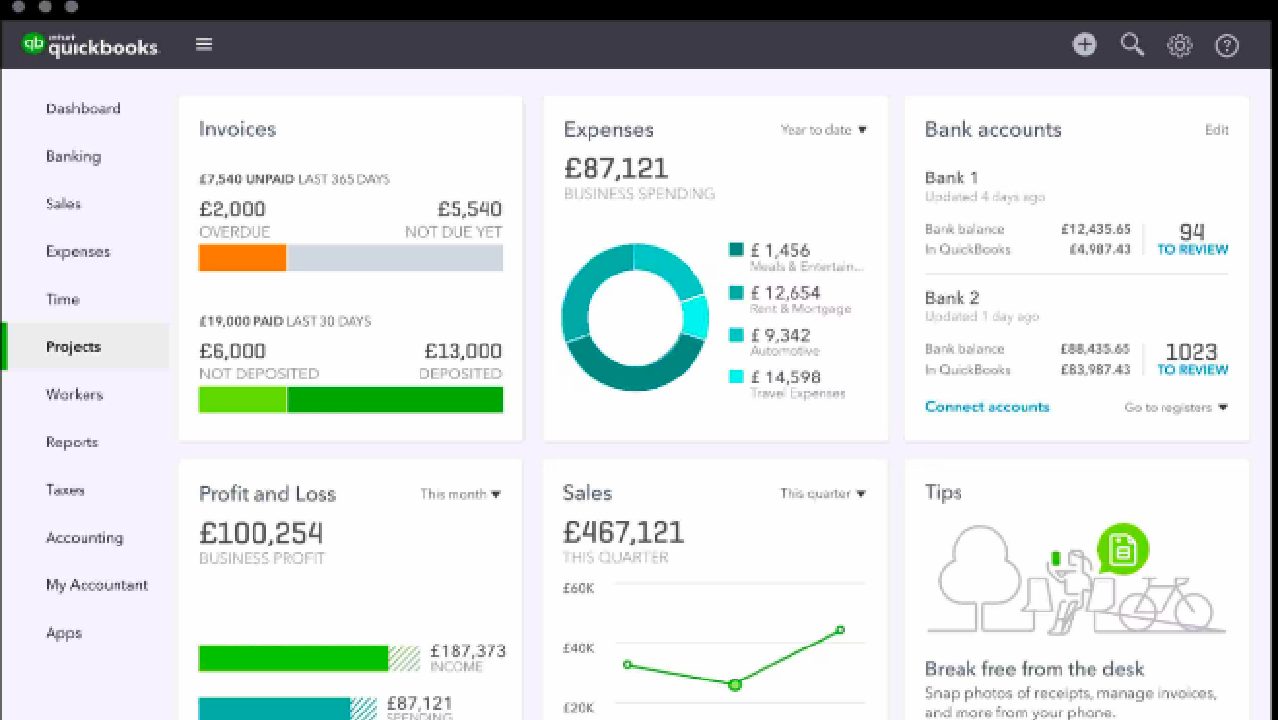
QuickBooks’ dominant position in the expense management industry means that its systems are well understood by accountants and non-accountants. Its software integrates with more than 800 business applications, from Shopify to PayPal to Amazon Business.
This company makes it easy to download transactions directly from your bank accounts, saving users time and effort on manual data entry. It also recently launched an artificial intelligence (AI) chatbot to help small business owners understand their financial data.
One con to QuickBooks is that, while it has a mobile app, it functions better as a desktop app, so it may not be ideal for businesses that are out of the office and need to function on the go. The company scrapped new QuickBooks Desktop subscriptions in an effort to increase the number of QuickBooks Online users.
However, QuickBooks Online contains many of the Desktop features, and there’s even a simpler QuickBooks for small business owners, QuickBooks Ledger.
Pros
- Ease of use
- New AI chatbot works well for small business owners
- Its software works well with plenty of other apps
Cons
- Mobile app needs work
- New QuickBooks Desktop subscriptions are delayed
2. Airwallex – Best expense management tool for global businesses
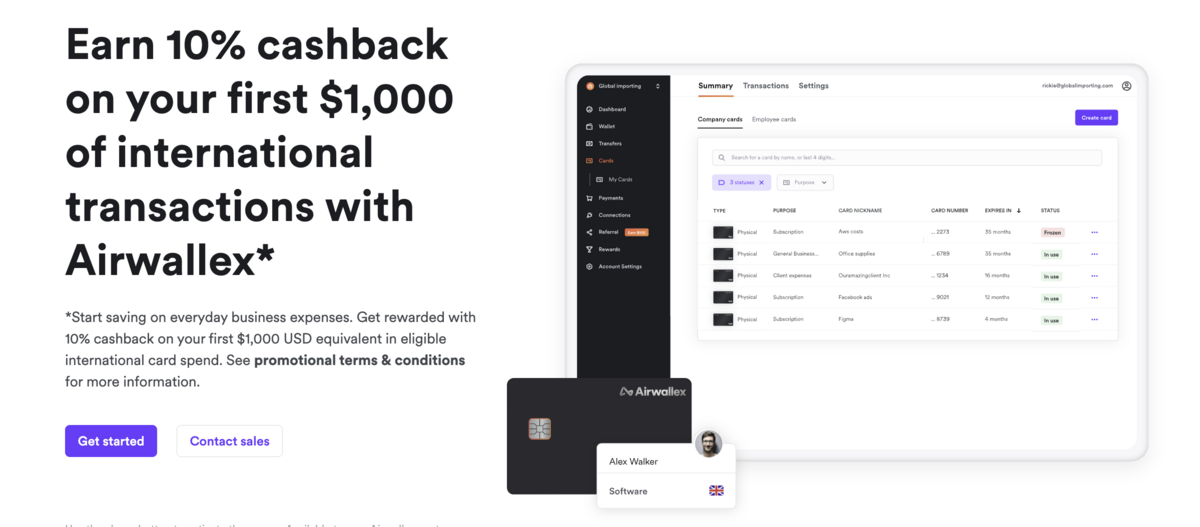
Airwallex is an expense management tool that consolidates global payments, transfers, and expense tracking into one platform. Its Visa Corporate Cards let you pay in multiple local currencies directly from your Airwallex account balances, significantly reducing foreign exchange fees.
First and foremost, the platform’s built-in expense management tool allows employees to upload receipts, tag expenses, and request approvals — all without leaving the Airwallex dashboard. This removes the need to juggle third-party tools.
Additionally, Xero or QuickBooks integration streamlines your bookkeeping by syncing multi-currency transactions every hour.
You can also tap into Airwallex’s Global Accounts, which let you receive funds from clients in more than 20 currencies while avoiding typical bank fees.
This, paired with Airwallex’s competitive FX rates (0.5% above interbank rates for most major currencies, 1.0% above for the rest), gives you more control over cross-border transactions than traditional banks.
Pros
- Offers a multi-currency wallet
- Track team spending and review receipts on one platform
- 0% foreign transaction fees
Cons
- Limited offline support
- Primarily targeted toward global businesses
3. Rydoo: Best expense management app for international business
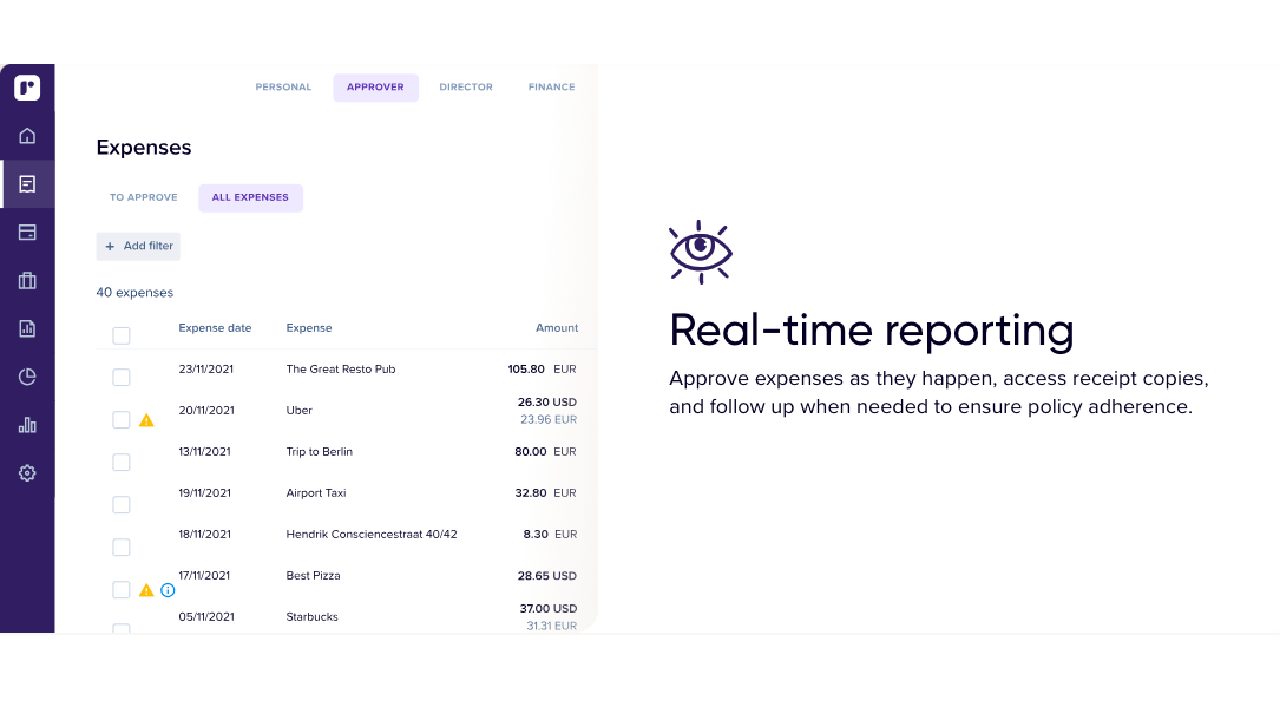
Rydoo is designed for small and medium-sized companies that conduct business internationally. Its platform is scalable, with plans from five to more than 500 users, helping them track expenses with a single tool.
One of the biggest advantages of the app is that it enables employees to bypass the expense form process by allowing them to directly upload their expenses for approval.
Additionally, there’s an option to set up spending controls to prevent employees from exceeding their per diem limits. It also helps track mileage using Rydoo and Google Maps. You can also add set mileage rates to establish reimbursement.
Rydoo also syncs with more than 35 travel, HR, finance, and ERP tools, including Oracle’s NetSuite, Microsoft Dynamics 365 Business Central, and SAP S 4/HANA.
Rydoo isn’t ideal for freelancers or sole proprietors, as its smallest plan is designed for at least five users and priced accordingly, at €8 per month per user when paid annually. It also isn’t as customisable as some other apps.
Pros
- Ability to directly upload expenses to reports
- Option to set up spending controls for employees
- Syncs easily with various software tools
Cons
- May be too expensive for freelancers
- Not as easy to customise
4. Freshbooks: Best investment management app for freelancers
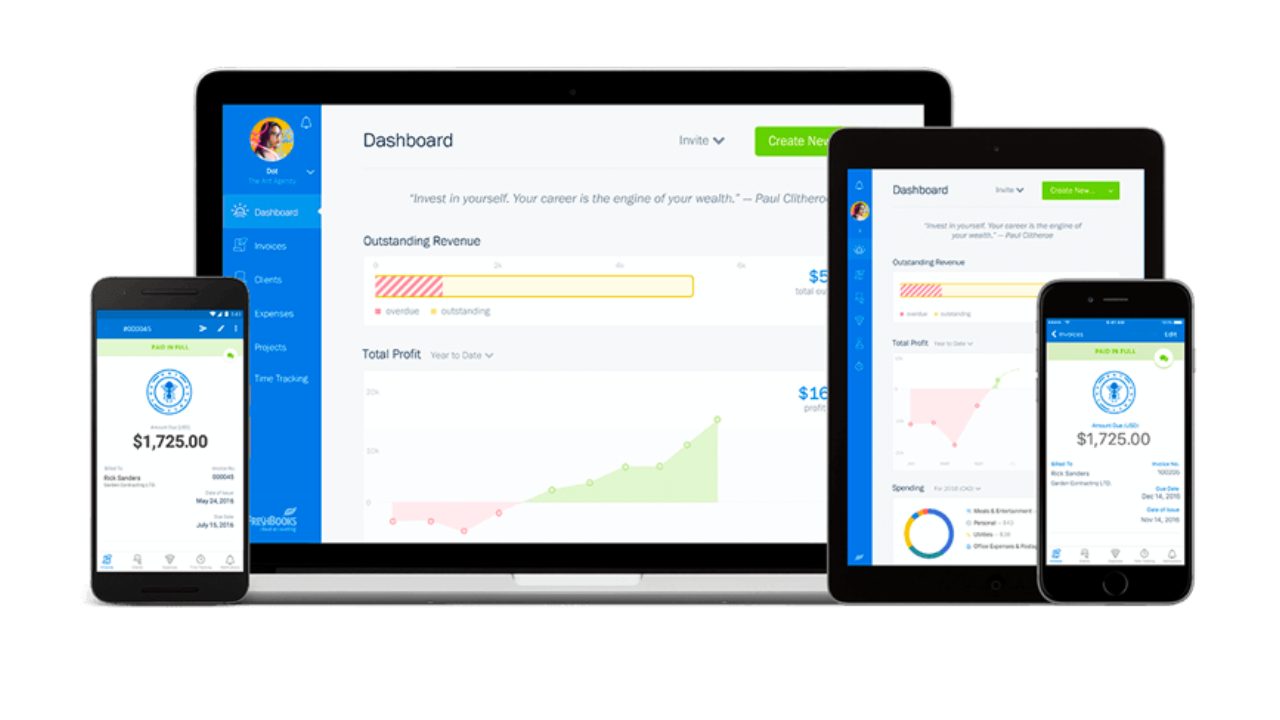
The app is great for creating and sending invoices, tracking project work, and accepting online payments. Its mobile app includes automatic receipt capture and the ability to categorize expenses, as well as generate reports for tax preparation and expense tracking.
It also allows new users to try out the system for free for 30 days, without using a credit card. Once those 30 days are up, it offers tiered pricing plans that are fairly affordable for small businesses, from $3.80 a month for the Lite Plan to $6.50 per month for the Premium Plan.
It also has a select plan with more features, whose costs vary. It features more advanced tools and is designed for companies with more than 500 clients.
All of its plans can be paired with HR platform Gusto for payroll purposes, though there are extra fees for that.
The biggest downside to FreshBooks is that it isn’t designed for larger businesses. Its plans aren’t as scalable and the lack of some complex features, such as audit capability, corporate card integration and advanced approval workflows, becomes more apparent.
Pros
- Tiered pricing plans are designed for growing businesses
- Mobile app has automatic receipt capture function
- Its plans can be paired with Gusto for payroll expenses
Cons
- Platforms are not that scalable
- Doesn’t include more advanced features that other apps have
5. Zoho: Solid choice for smaller international businesses
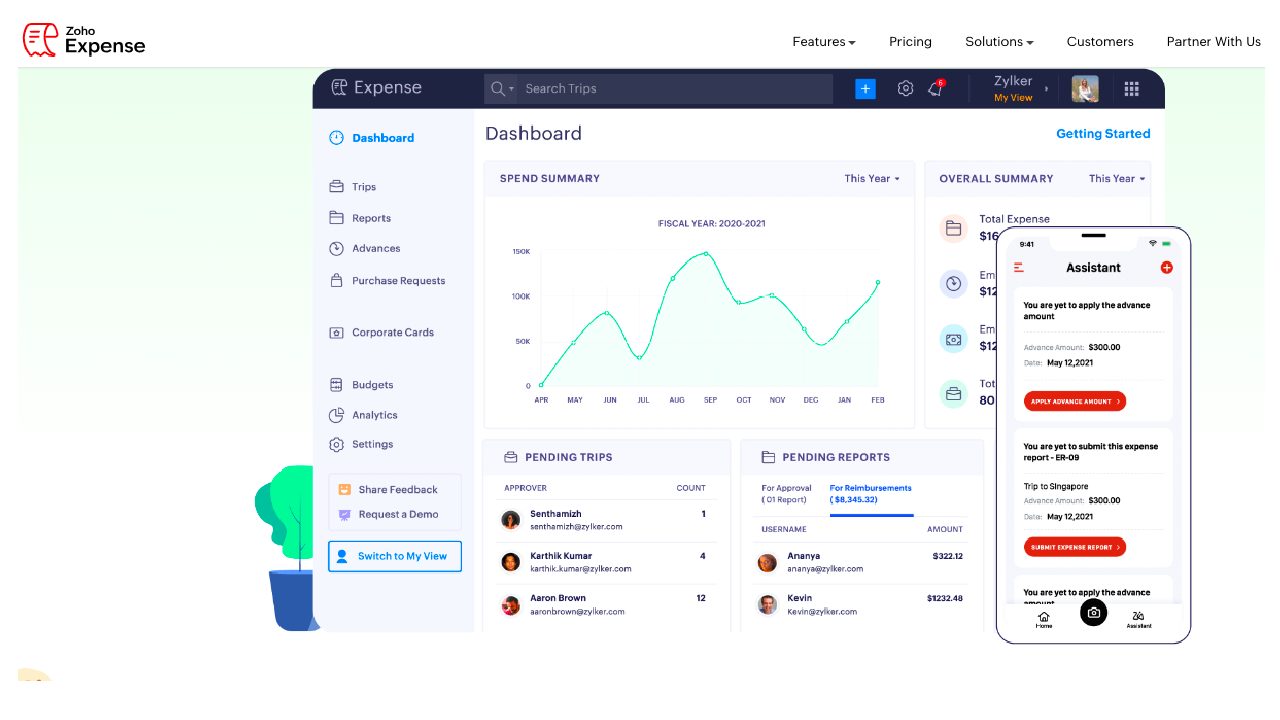
The app, which adapts to 22 languages, is designed for growing businesses and works well with Zoho Books, QuickBooks Online and Xero. Primarily, it’s a good app for solo entrepreneurs, as it offers a free plan suitable for up to two users and is suitable for businesses with an annual revenue of £35,000 or less.
Paid plans start at £10 per month and can be tried out for free for 14 days. Its most comprehensive plan, the Ultimate, costs £165 a month.
Its platform is designed to prevent overspending at its source, minimise manual intervention, prevent policy breaches and fraudulent claims, and provide insights into discretionary spending to improve a business’s productivity, cash flow, and overall financial health.
It also pairs well with other Zoho platforms and services, such as Lyft, and integrates with QuickBooks Desktop.
The biggest drawback of Zoho is that it doesn’t integrate as seamlessly with banks and credit card companies as other apps. It also isn’t as customisable as other apps.
Pros
- Has a free plan, good for up to 3 users
- Customers can try out paid plans for free for 14 days
- Works well to prevent fraud and policy breaches
Cons
- Doesn’t integrate well with some apps
- App isn’t that customisable
6. Expensify: Best expense management tool for integration with other apps
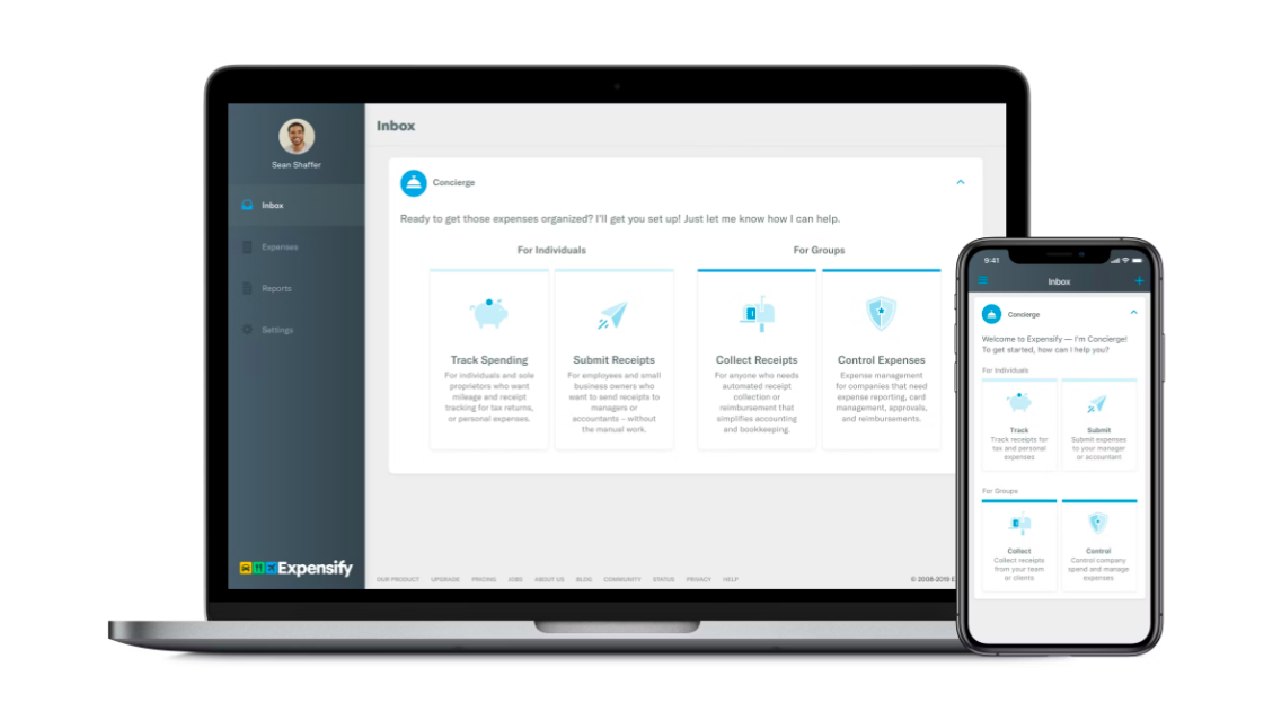
The Expensify app is best for large companies with complex software integration needs.
More than 15 million people use Expensify’s free features, which include corporate cards, expense tracking, next-day reimbursement, invoicing, bill pay, travel booking, and chat in one app.
The cost of Expensify per user ranges from £5 for the Collect plan, which includes one to 10 employees. The Control plan, designed for larger companies, begins at £9 per month. Two things make Expensify stand out.
It seamlessly integrates with more than 45 apps, such as Quickbooks, Oracle NetSuite, Xero, Sage, Xero, Microsoft Dynamics, and Oracle. Its SmartScan technology enables users to take a photo of a receipt and download the data with high accuracy, saving them time.
On the downside, users have complained about the company’s customer support. Also, the administration side of the interface isn’t as intuitive as the user side of the app
Pros
- More than 15 million people use the app
- It integrates well with more than 45 other apps
- SmartScan technology works well and accurately
Cons
- Customer support is lacking
- Expense makes it less useful for small businesses
7. Sap Concur Expense: Keeping expense reports simple
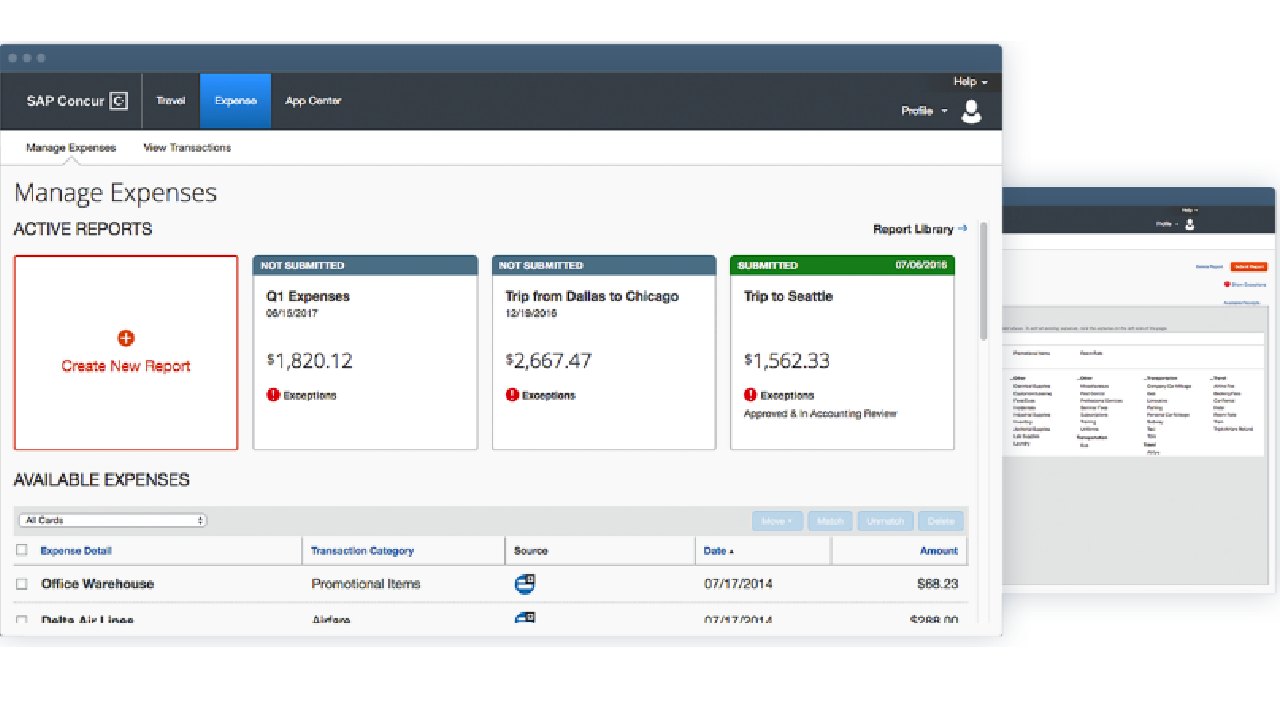
In 2024, the company enhanced its partnership with Mastercard to simplify business expense reporting. Concur Expense’s platform captures purchases with Mastercard corporate cards and automatically populates the platform. It then informs employees immediately if additional information is required.
The goal is to achieve better expense policy compliance without the typical lag time associated with expense reports.
SAP Concur Expense is one of the most established names in expense management, with more than 48,000 businesses worldwide using its platform. It offers 24/7 customer support, which is particularly important for business travellers who may be filling out their expense reports while waiting for their flights.
The company’s intelligent software is flexible and integrates trip bookings with calendars, with reminder notifications. Its mobile app accurately captures expenses and categorises them.
While Concur Expense isn’t cheap, costing an average of £8 to £9 per expense report, it does allow users to try the software out for free. One con is that when Concur rejects an expense report, it isn’t always easy to determine where the compliance issue occurred.
Pros
- Good customer support
- Well-established company
- Its software is flexible and works well with plenty of other apps
Cons
- The costs per expense report add up
- App isn’t that intuitive
8. Emburse Expense Professional: High ratings for accuracy, affordability
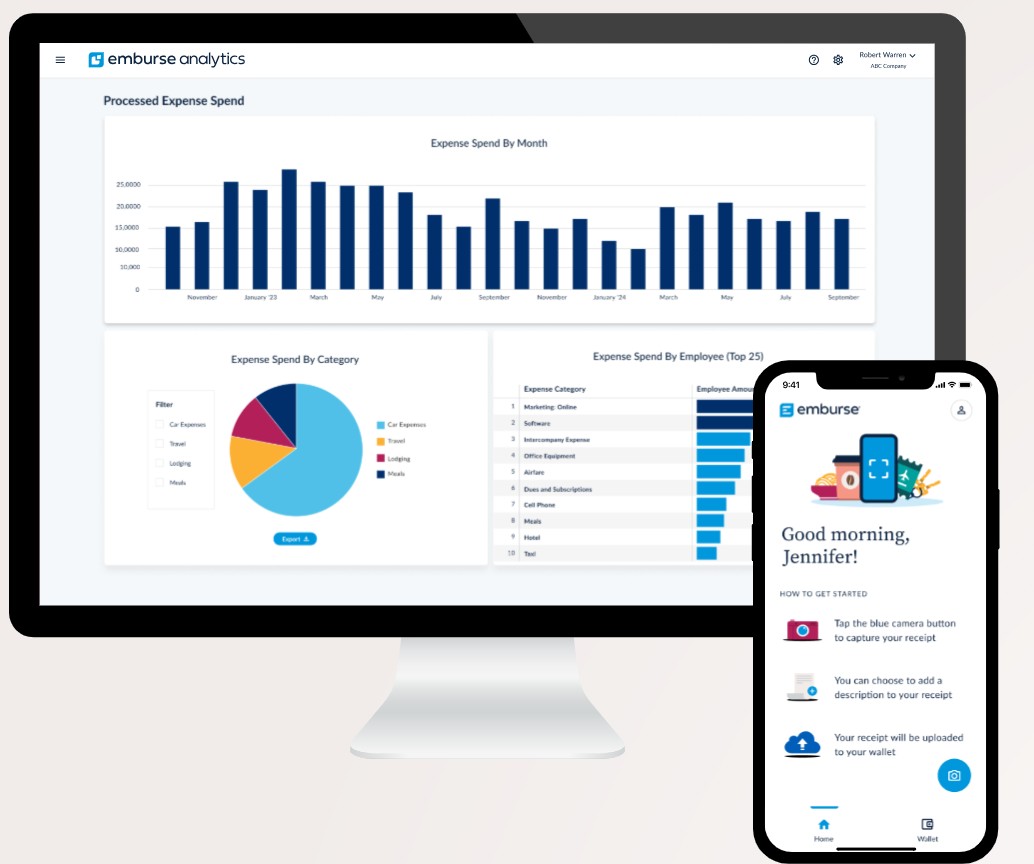
More than 20,000 organisations in 120 countries use Emburse Expense Professional’s expense management systems. The platform was previously known as Emburse Certify. It has a strong rating for accuracy in itemising receipts. It’s also affordable for smaller businesses, as it costs £9.50 a month for companies with 25 or fewer employees.
Emburse has an air contract audit feature that pulls in a customer’s airline contracts for better internal reviews. It flags any flight booking that differs from the terms of an airline contract.
Similarly, the Emburse Premier App notifies travellers automatically when a better rate is available at their hotel, allowing them to rebook without leaving the app.
Some of its drawbacks include extra charges for ACH reimbursements and a lack of simple integrations with other applications, except for QuickBooks. Certify directly handles other integrations. Some users have reported that it is difficult to correct errors in reports.
Pros
- Not too expensive for small businesses
- Strong audit features
- Accurate in itemising apps
Cons
- Doesn’t always integrate well with other apps
- Difficult to correct report errors
9. Xero: Great scalability for growing businesses
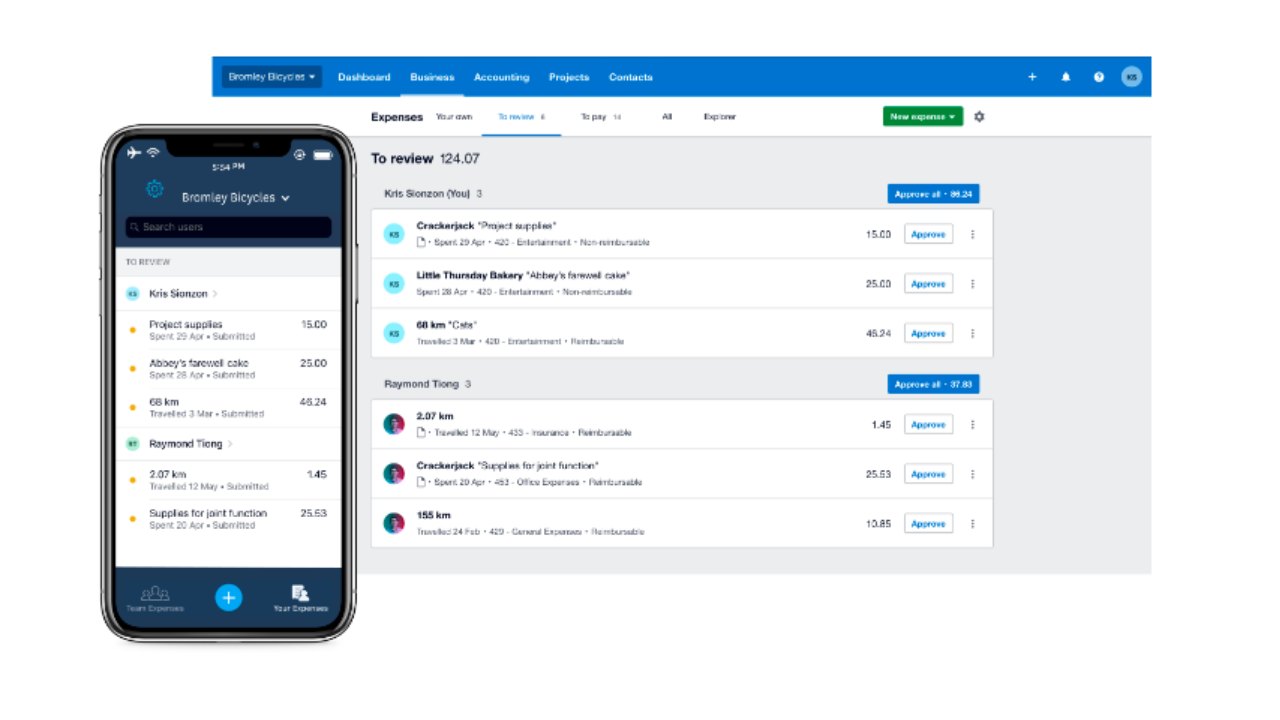
The cloud-based software integrates with more than 1,000 apps, is easy to use, allows an unlimited number of users, and its plans are scalable, which is an advantage for growing businesses.
Its subscriptions start with the Starter plan, which beginning in September, will charge only £16 a month, but supports only 20 invoices, along with the ability to send purchase orders, do basic inventory management and automated bill and receipt capture with Hubdoc, as well as the ability to reconcile bank transactions.
The next level, Standard, starts at £33 and includes all those features, plus unlimited invoices, quotes and bill entries as well as the ability to reconcile bulk transactions.
There’s a Premium plan for £47. The most expensive plan, Ultimate, costs £59 and includes everything from the cheaper plans. In addition, it supports multiple currencies, has tracking tools for recording time and breaking down job costs
It also features advanced analytical tools for anticipating future cash flow up to three months in advance. All the plans have an optional add-on for payroll through the HR app Gusto.
Some of the drawbacks of Xero are that it doesn’t provide a phone number for customer support and lacks a live chat service. Its systems are increasingly becoming more complex, so users need to go through tutorials to fully understand them.
Pros
- Cloud-based software supports more than 1,000 apps
- Tracking tools help record time spent, show job costs
- Works well with multiple currencies
Cons
- Customer support is lacking
- Systems are too complex for some users
10. ExpensePoint: Straightforward, low-cost pricing
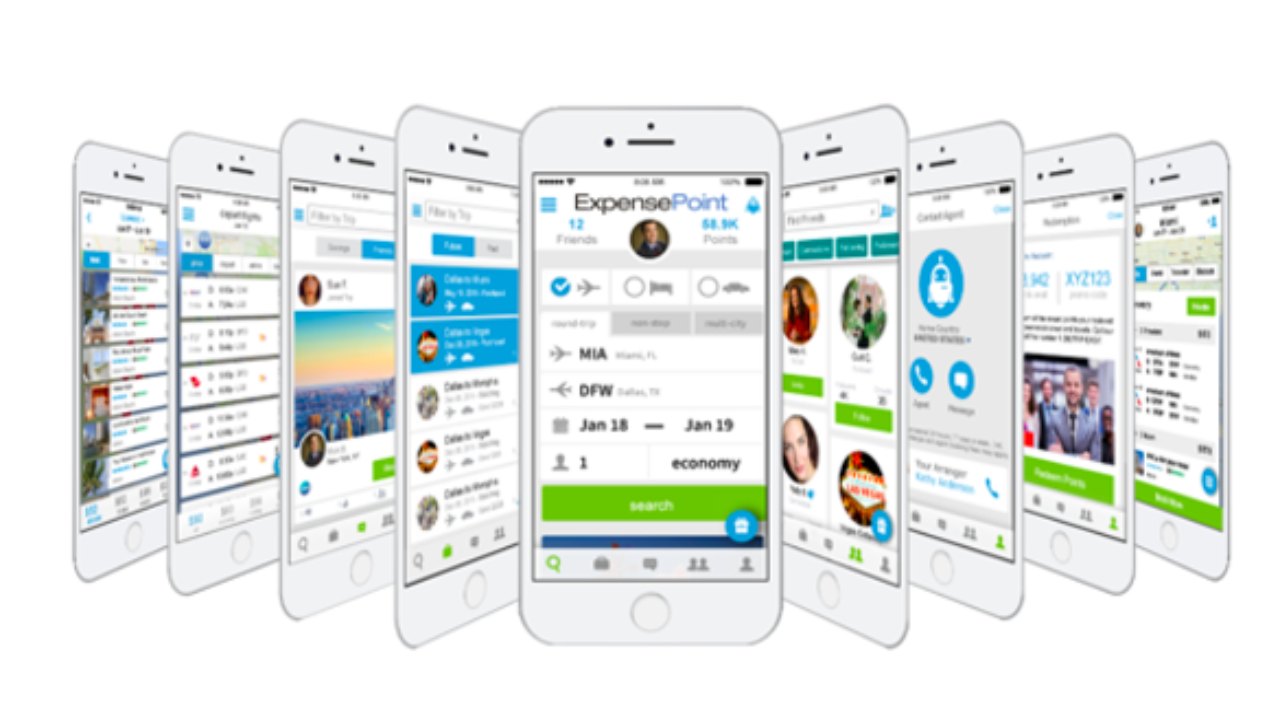
The best attribute of ExpensePoint is its price and the ability to automatically generate an expense report. For as little as £8.50 a month, it allows small businesses to capture receipts and other expenses through the mobile app, credit card import, and by scanning images.
It also uses a full approval workflow. Subscribers can access its Windows desktop app offline (which comes in handy while travelling), and it will sync data later with the cloud.
ExpensePoint has a unique feature, called Receipt Reader, which employs people to read receipts and fill in the appropriate details. In many cases, this is more accurate, albeit slightly slower, than the optical character recognition software used by other apps.
The app is also capable of integrating with a multitude of other apps, including Xero, QuickBooks Online, Sage, and NetSuite.
While administrators appreciate the software, employees who use it to file reports may find the platform difficult to navigate. However, it does offer free telephone support and training.
Pros
- Inexpensive for small businesses
- Integrates well with plenty of apps
- Has an app that can be accessed offline
Cons
- Reports are difficult to file
- Receipt reader function is accurate but slow
11. Shoeboxed: Best flexibility for a receipt scanner
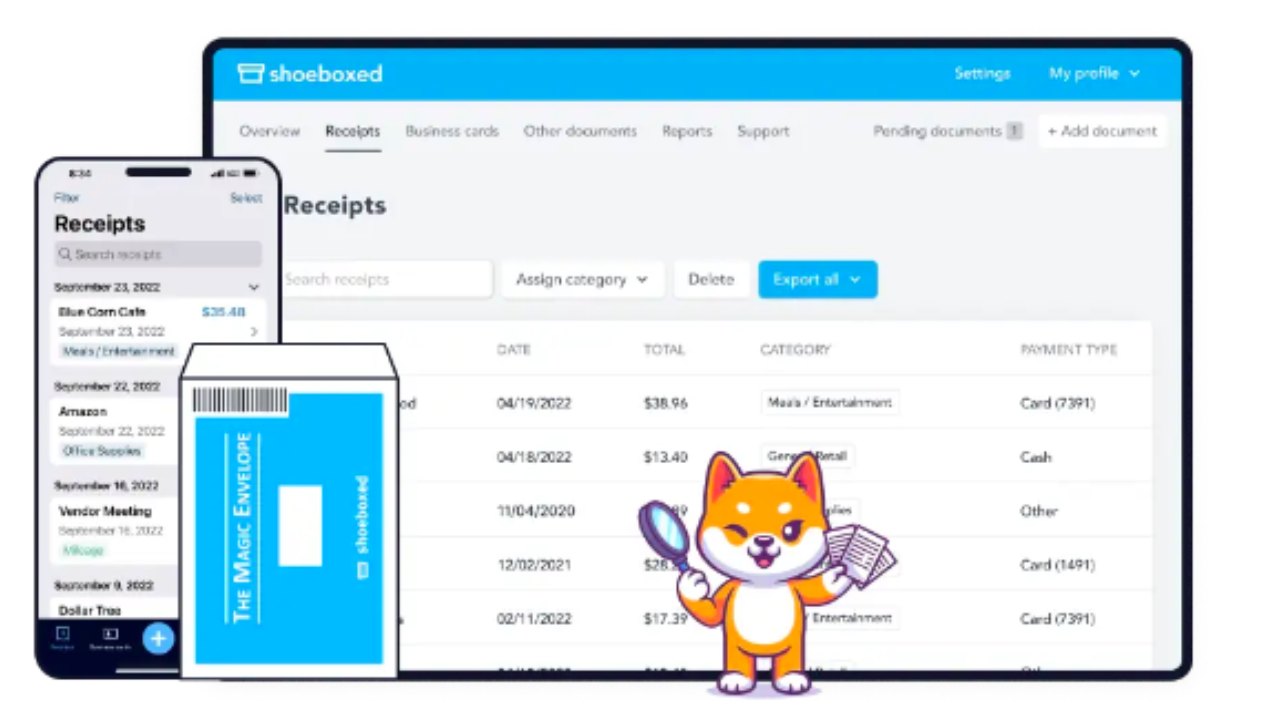
The app is highly rated for its receipt scanner app. Users can get their receipts into the system in several ways: by mail, email, sending a phone from your phone, through a Gmail plug-in and by scanning and dragging and dropping into the cloud.
Its $23 a month startup plan is designed for freelancers or solopreneurs. Its features include automatic data extraction with human verification, unlimited file storage, unlimited users, and unlimited mileage recording.
The one catch is the limit of 300 physical documents a year or 600 digital document scans a year. Its professional plan, at $47 a month, allows for 1,800 physical documents and 1,800 digital document scans. The business plan, priced at $71 per month, allows for 3,600 physical documents and 3,600 digital documents per year.
Considering those costs and the limitations of the plans, the app is slightly pricier than others designed primarily for small businesses. The mobile app can sometimes run slowly, some users have said.
Pros
- Receipt scanner app is highly rated
- Has a start-up plans for freelancers or solopreneurs
- Multiple ways to import receipts into system
Cons
- Costs are relatively high for small businesses
- Start-up plan has a limit of limit of 300 physical documents a year or 600 digital document scans a year
How to choose the right expense tracker app
Expense management apps vary widely. What works for a major international company may be ill-suited for a freelancer or small businessman. Here are factors you need to consider before signing up to a platform.
- Dashboards make analysis easier: The best apps have dashboards that display all the relevant data in one place. It should help navigate the app with ease. The best dashboards allow you to categorise expense receipts under each report to allow you to reconcile the numbers. Some dashboards even allow access to real-time data to help ensure compliance.
- How good is the mobile app: Your employees are traveling and can’t always easily access a laptop. That makes mobile apps more important for logging receipts and creating expense reports. When the employee experience with the app is clunky, that costs valuable man-hours. The best mobile apps offer custom reminders and notifications. They speed up the review, submission, and approval process for expense reports.
- Integrated credit cards are a plus: Prepaid corporate credit cards are a useful option. Their integration with your system can help prevent fraud or misuse of corporate funds. It will also help with budget tracing, spend visibility, and online payments.
- How well does it handle foreign currency: The best apps can handle multiple currencies in real time, which cuts down on confusion.
- Compatibility with existing software and platforms: Expense management systems that offer hassle-free and easy integration can shorten processing times. It can also save you the expense of buying new software.
Our methodology, explained
Our editors regularly look at the best tools and latest technologies that help investors and businesses. For this article, our methodology included looking at 10 of the most popular expense management applications in the UK. We focused on ease of use for administrators and business travelers, the cost of each platform, and whether they were scalable.
In each application, we looked for unique features and who they were best suited for. We also examined how well each application integrated with other applications, how well they handled foreign currency, and how useful and approachable each company’s customer service was.